8171 Web Portal Not Working? Easy Fixes for Users 2026 Guide
8171 Web Portal Not Working? Easy Fixes for Users 2026 Guide
Many people rely on the Ehsaas Program 8171 web portal to check their BISP payments, verify eligibility, or update their household information. But sometimes the portal doesn’t load, shows errors, or refuses to display your payment. Don’t worry — this guide explains the most common reasons and provides easy fixes to get you back online quickly.
Common Reasons the 8171 Web Portal Isn’t Working
On payment days or survey periods, thousands of users try to access the portal at the same time. This can cause slow loading or errors.
Old browsers or cached data can prevent the portal from loading correctly. Try a different browser or device. Clear your browser cache and cookies. Update your browser to the latest version.
If your CNIC is entered incorrectly or not in the correct format, the portal may show “No record found” or fail to load.
If your details are not updated in the Dynamic Survey 8171, the portal may fail to show your payment or eligibility.
The portal may be offline for maintenance or experiencing technical issues.
If your payment requires biometric verification, the portal may not display your payment until verification is complete.
Complete biometric verification at your local BISP office.
Easy Fixes for Users
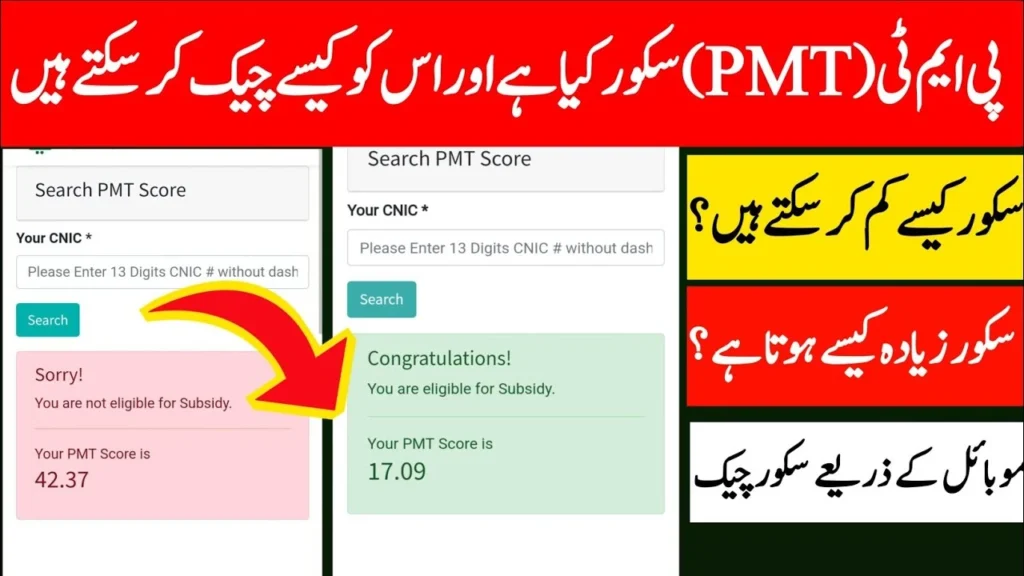
Here are step-by-step solutions to common portal problems:
Use SMS Check
Send your 13-digit CNIC (without dashes) to 8171.
This often works when the web portal is down.
Clear Browser Cache
Go to browser settings → Clear cache and cookies → Reload the portal.
Update Browser
Make sure you are using a modern browser like Chrome, Firefox, or Edge.
Try a Different Device
If the portal doesn’t load on your phone, try a desktop computer or tablet.
Verify CNIC and Mobile Number
Ensure your CNIC is correctly registered with BISP.
Make sure your registered mobile number matches.
Update Household Data
Complete the Dynamic Survey to ensure your records are current.
Update family information if there are any changes.
Complete Biometric Verification
If required, visit your nearest BISP office to complete or redo verification.
Wait and Retry
Sometimes the portal is temporarily down. Wait 1–3 hours and try again.
Tips to Prevent Portal Problems
FAQs
Final Thoughts
The 8171 web portal is an important tool, but it can occasionally face technical issues or delays. Most problems are simple to fix by:
Using SMS to check your payment
Updating CNIC, mobile number, and household data
Completing biometric verification
Clearing browser cache or trying a different device
By following these steps, you can access your payment information reli